Updated September 4, 2026 · By @willing_ye
How to Blur Some Faces in a Video and Keep Others Visible
A group video may contain someone who should remain visible and others who need masking. FaceMasks lets you ignore individual detection tracks. It does not recognise a person’s identity throughout the entire video.
Open FaceMasks →Real operation screenshots from the English interface. Click an image to view it at full size. These are preview screenshots, not a guarantee of coverage across the video.
1. Detect faces before making exceptions
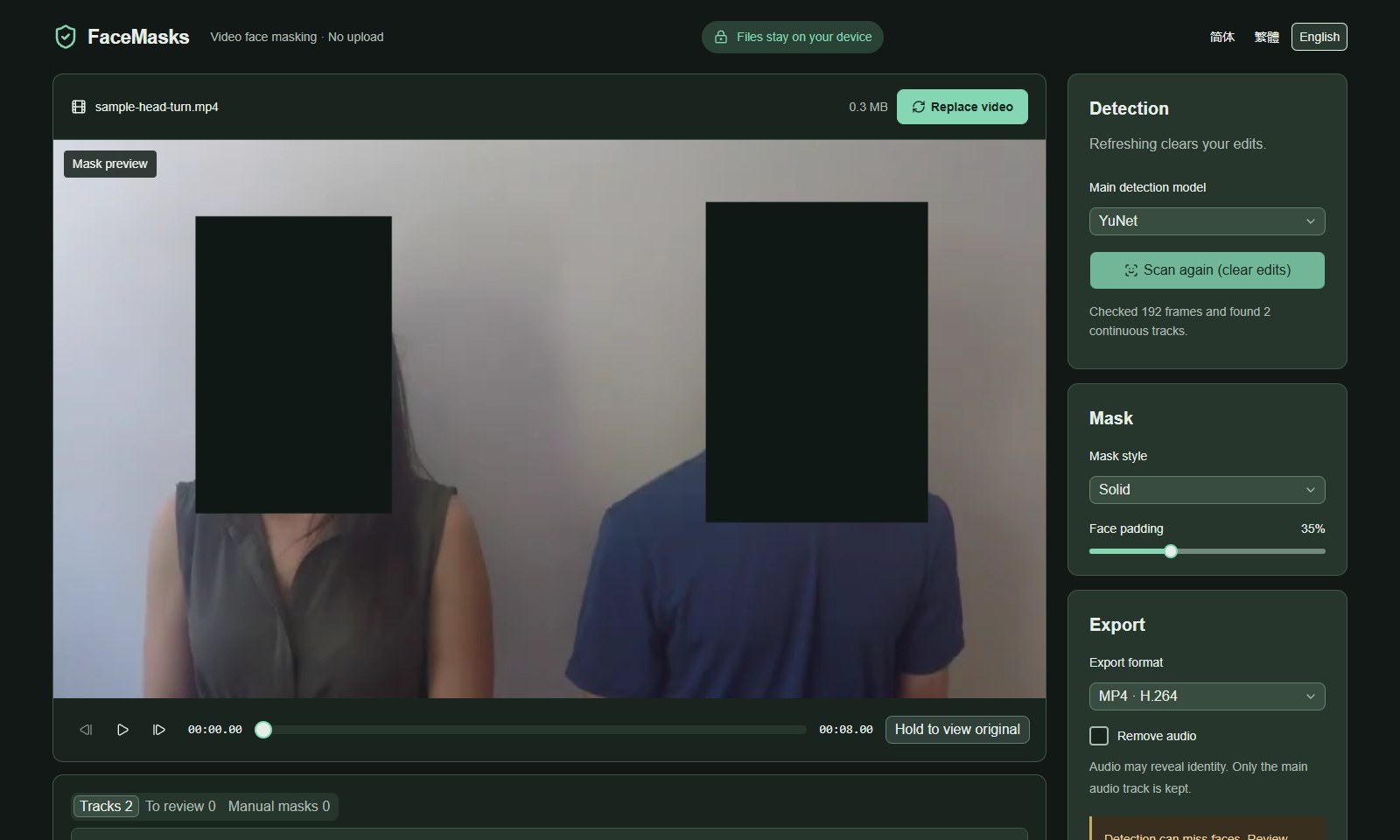
Load the Two people turning quickly sample and click Process with YuNet. Start with every detected track masked. In this demonstration, both tracks cover the sample’s eight seconds.
2. Identify the correct track
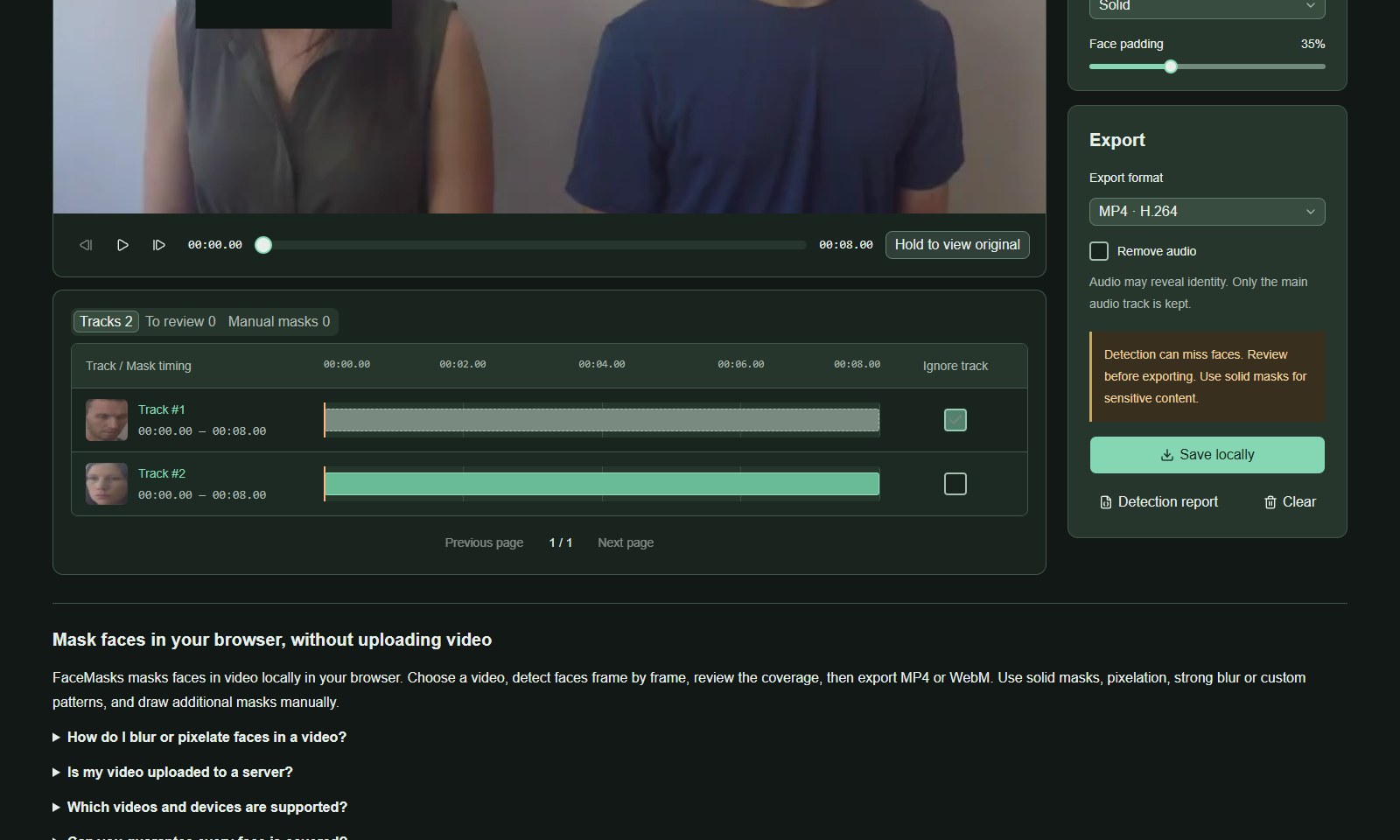
Open Continuous tracks. Match the thumbnail to the person and click the track to inspect its time range. Do not rely on track numbers alone: the same person can appear in multiple tracks after turning, leaving the frame or a scene cut.
3. Ignore only the intended track
Enable Ignore track (no mask) for that track. In this run, track #1 corresponds to the person on the right; ignoring it leaves that face visible while track #2 stays masked. Your own clip may have different track numbers.
4. Review exceptions across the entire video
Play every affected time range. If one person has several tracks, review each separately. A mistaken track link could expose someone else. Uncheck Ignore to restore the mask when unsure, then export and watch the downloaded result.
Screenshots use the credited FaceMasks sample videos and show actual browser processing results. No endorsement by the source authors or people shown is implied. head-pose-face-detection-female-and-male.mp4 · CC BY 4.0 · Credits